Windows desktop app --> 100% local processing
Compress, cut and caption your media. Nothing leaves your PC.
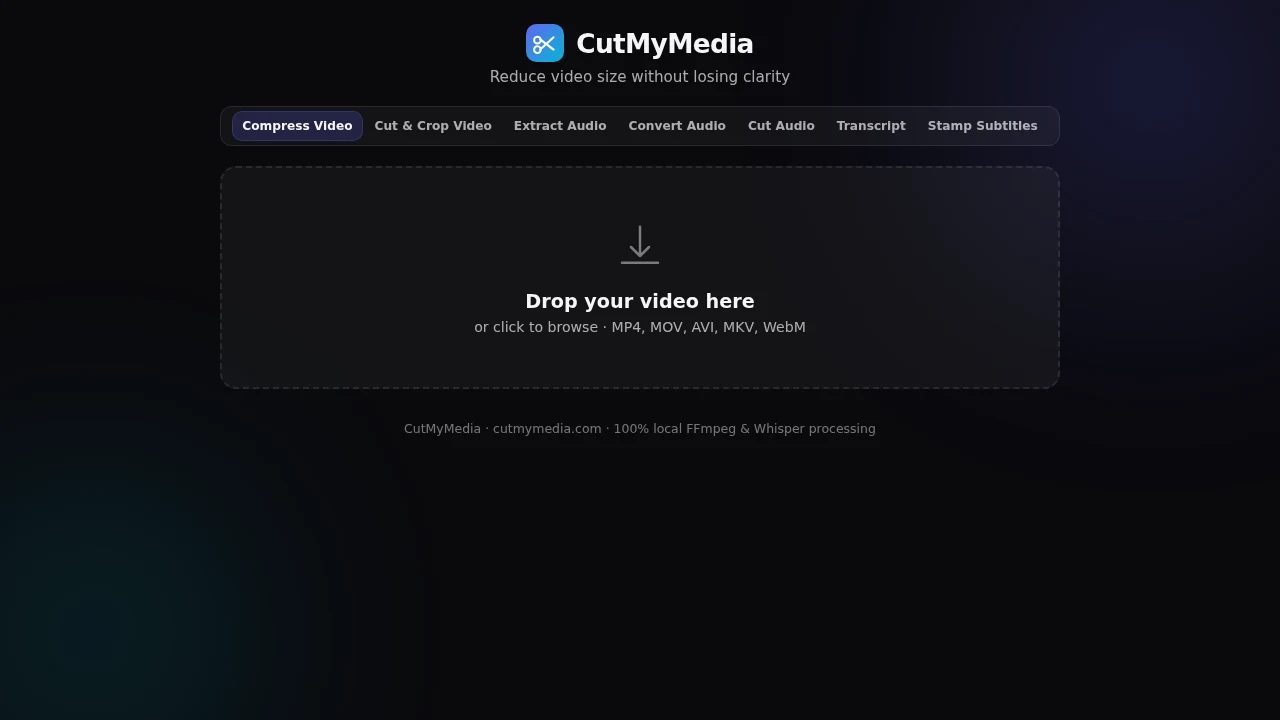
CutMyMedia puts seven FFmpeg and Faster Whisper tools in one compact window: zero uploads, zero accounts, zero trackers.
Windows signed release packaging in progress (LGPL FFmpeg + Authenticode)
-
0 uploads
Every file is processed on your own machine.
-
0 accounts
No sign-up, no licence server, no telemetry.
-
7 tools
Video, audio, transcripts and subtitles in one window.
The toolkit
Seven tools, one compact window
Pick a tool to see what it does. Every job runs through FFmpeg or Faster Whisper on your PC. Use the arrow keys to move between tabs.
Privacy
Local by design, honest about the one exception
-
Your media never leaves your PC
Videos, audio, subtitles and transcripts are read and written on your own disk. CutMyMedia has no cloud backend and nothing to upload to.
-
One-time speech model download
The first time you use Whisper Transcript, the Faster Whisper model weights you pick (MIT licence) download once from huggingface.co and are cached on your PC. Only the model is fetched, never your audio. After that, transcription works offline.
-
This page too
cutmymedia.com sets zero cookies, runs zero analytics and loads nothing from other servers. Your language and theme choices stay in this browser (localStorage).
Download
Get CutMyMedia for Windows
Release status
Windows signed release packaging in progress (LGPL FFmpeg + Authenticode)
The public installer will appear here once it is built with an LGPL FFmpeg and signed with an Authenticode certificate. Until that signed file and its SHA-256 checksum are live, this page links to no download at all.
Requirements
- Windows 10 or 11, 64-bit (x64).
- Per-user install: no administrator rights needed.
- Microsoft Edge WebView2 Runtime (built into Windows 11 and up-to-date Windows 10).
- Optional: an NVIDIA, AMD or Intel GPU speeds up video encoding, and an NVIDIA CUDA GPU speeds up transcription. Every PC works on the CPU.
- Disk space for the speech model you choose (downloaded once, on first transcription).
Verify your download
Before running the installer, compare its SHA-256 hash with the published checksum. In PowerShell, from the folder you saved it to:
Get-FileHash -Algorithm SHA256 .\CutMyMedia-Setup-1.1.0.exe
(Get-FileHash -Algorithm SHA256 .\CutMyMedia-Setup-1.1.0.exe).Hash -eq '<published SHA-256>'The checksum is published here together with the installer.
The command prints True only when the file matches exactly.
Then right-click the file --> Properties --> Digital Signatures to check the Authenticode signature.
Architecture, security & licensing
Built like a desktop app, locked down like a server
What runs on your PC, and why other programs and websites cannot reach it.
-
Native window, loopback-only engine
A PyWebView window (Microsoft Edge WebView2) talks to a Flask engine bound to 127.0.0.1 on a random free port. Nothing listens on your network.
-
Per-launch API token
Each launch generates a fresh random token. Every /api/ call must present it (checked in constant time), so other local pages and programs cannot drive the engine.
-
Strict Host header validation
Requests whose Host is not 127.0.0.1, localhost or ::1 are refused with 403. That blocks DNS-rebinding attacks from websites you visit.
-
LGPL FFmpeg
Release builds bundle an LGPL FFmpeg (no --enable-gpl, no --enable-nonfree) with hardware encoders and libass. The packaging script refuses GPL builds, and the licence notices ship inside the install folder.
-
Authenticode signing
Public installers are published only after both CutMyMedia.exe and the setup file are signed with an Authenticode certificate. UPX packing stays off to avoid antivirus false positives.
-
Faster Whisper, fetched once
Faster Whisper, CTranslate2 and the Whisper model weights are MIT-licensed. The weights download once from huggingface.co on first transcription and stay cached locally.